Top Quiz Builder Tools
Quizzes can be a powerful way to generate leads, but the platform you choose makes a real difference. Some tools are easier to use, while others offer more features or stronger integrations. Those factors affect how quickly you can launch and how well your quiz performs.
That’s why it’s worth taking the time to compare your options. The best choice depends on your priorities: fast setup, advanced customization, or integrations with the rest of your marketing stack. Below, we will look at some of the most popular tools and what to consider when choosing one.
Contents
What to Look for
Not every quiz builder works the same way. Some are great for simple surveys, while others are better for collecting leads. So before you choose one, it helps to understand what really matters for your needs.
Here are the main things to check:
Ease of use: Is it easy to use without technical skills?
Launch speed: How quickly can you create and publish your quiz?
Templates: Are there ready-made layouts to get started quickly?
Flexibility: Can you customize logic and user flows?
Design and branding: Does it match your website’s look and feel?
Mobile optimization: How smooth is it to complete the quiz on a smartphone?
Integrations: Does it connect with your CRM, email, and marketing tools?
UX and conversion: Is it designed to engage and convert users?
Analytics: Can you track and improve performance?
Support: Is the service actively developed and supported?
Pricing: Do the features match the cost, and are there hidden limitations?
Popular Quiz Tools. Quick Overview
There are many quiz-building tools available (some are simple and focused on surveys, while others are built for lead generation and more advanced marketing workflows). Each one has its pros, cons, and best use cases.
In this section, we’ll go through some of the most popular tools to help you get a clear picture and pick the one that works best for you.
Weblium
Weblium is a website builder from Ukraine that also includes a CRM and tools for creating forms and quizzes. You can build a quiz using ready-made blocks and connect it directly to your system.
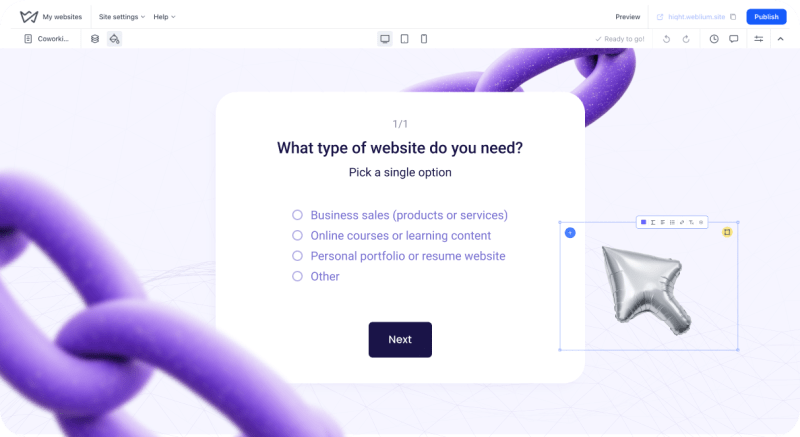
Key features:
- Intuitive builder with AI assistance to speed up creation
- Ready-made blocks for forms, chats, buttons, maps, and more
- Templates optimized for websites and quizzes, plus SEO and marketing tools
- Built-in CRM with integrations (Telegram, Webhook, Email)
- Fully responsive design with hosting included.
Pros:
- True all-in-one platform: build, launch, and manage leads without extra tools
- No coding required – everything is simple and fast
- Free plan and AI-powered support for creating quizzes and pages
- Localized support and integrations tailored for different payment systems.
Pricing:
- Free plan for 60 days
- Starter for $11/month when billed annually
- Business for $17.50/month when billed annually
- 14-day trial: for Starter/Business, with all features available during the trial
- Agency packages (5-10 websites) for scalable growth.
Typeform Quizzes
Typeform is a well-known platform for creating interactive forms and quizzes with a conversational, chat-like interface. Its quiz functionality is designed to engage users through smooth UX and personalized question flows.
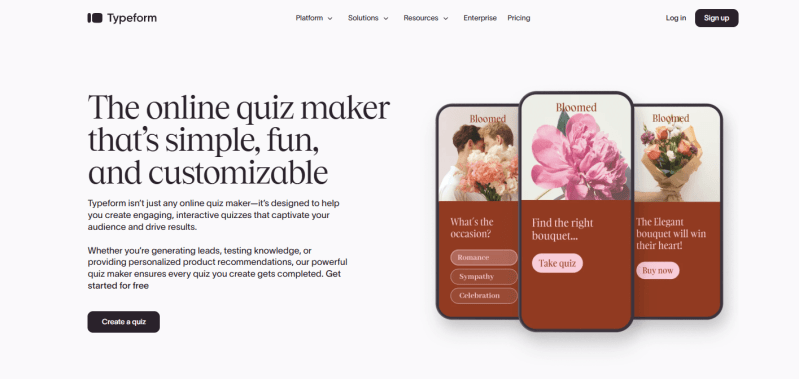
Key features:
- 28 question types (text, multiple choice, images, ratings, timers, etc.)
- User-friendly editor with AI-powered suggestions
- Ready-made quiz templates (for lead generation, knowledge testing, etc.)
- Integrations with CRM and tools (Slack, Google Sheets, HubSpot, Zapier)
- Responsive design for both mobile and desktop.
Pros:
- Clean, user-friendly design with strong marketing capabilities
- Wide selection of question types and templates
- Supports conditional logic and integrations
- Built-in analytics and reports for quick insights.
Pricing:
- Free plan (up to 100 responses/month)
- Starter (Basic) ~$29/month or ~$25/month billed annually
- Plus ~$59/month (~$50/month annually)
- Business ~$99/month (~$83/month annually).
SurveyMonkey
SurveyMonkey is one of the most widely used survey platforms, offering quiz functionality with automatic scoring. It is well-suited for tests, certifications, and marketing surveys with advanced analytics.
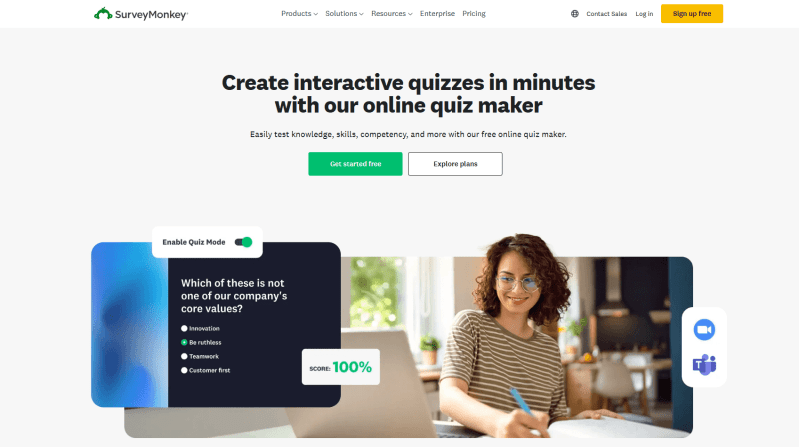
Key features:
- Wide range of templates (from simple quizzes to complex surveys with automated scoring)
- Built-in charts and reports (real-time data visualization)
- Mobile-friendly (participants can complete surveys on any device)
- Integrations with email marketing and CRM tools (Mailchimp, Salesforce, etc.)
- Strong data protection and privacy (GDPR compliance, password-protected surveys).
Pros:
- Highly reliable, suitable for large organizations and educational use
- Interface is more focused on formal surveys than lead generation
- Advanced analytics (response tracking, exports, and reporting tools)
- Free plan available for basic surveys.
Pricing:
- Standard ~$39/month or ~$25/month billed annually
- Advantage ~$75–99/month (depending on billing plan)
- Premier from ~$75/month and above
- Team / Enterprise plans with advanced features and admin controls.
Canva Quiz Maker
Canva is a popular design platform that also offers tools for creating interactive quizzes. It allows you to quickly generate questions and design them in a unique visual style.
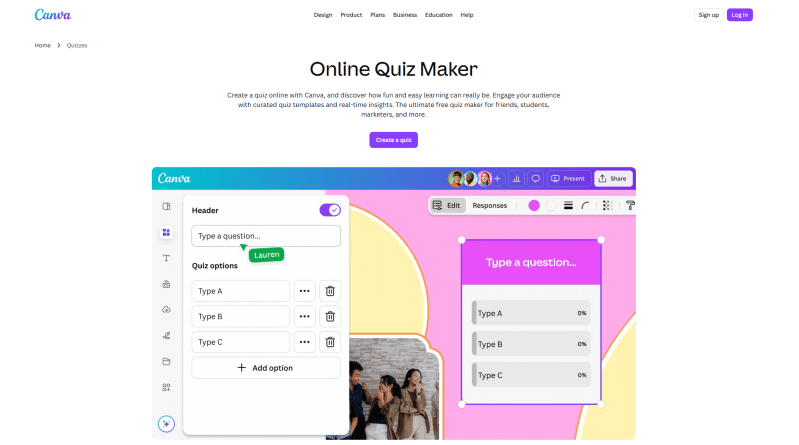
Key features:
- Easy-to-use templates with high-quality visuals (limited advanced logic)
- Full design customization (colors, fonts, backgrounds, branding)
- Real-time collaboration (invite team members to edit together)
- Ability to embed quizzes into presentations or websites
- Mobile apps available.
Pros:
- Beginner-friendly interface. No technical skills required
- Extensive library of design elements and images
- Fast creation of visually appealing quizzes
- Easy sharing (links, website embeds, social media).
Pricing:
- Free plan (basic templates and elements)
- Pro version ~$12.95/month (billed monthly)
- Advanced plans for teams and businesses.
AdsQuiz
AdsQuiz is a quiz builder focused on lead generation through advertising. You can create advanced funnels with multiple question formats tailored to specific target audiences.
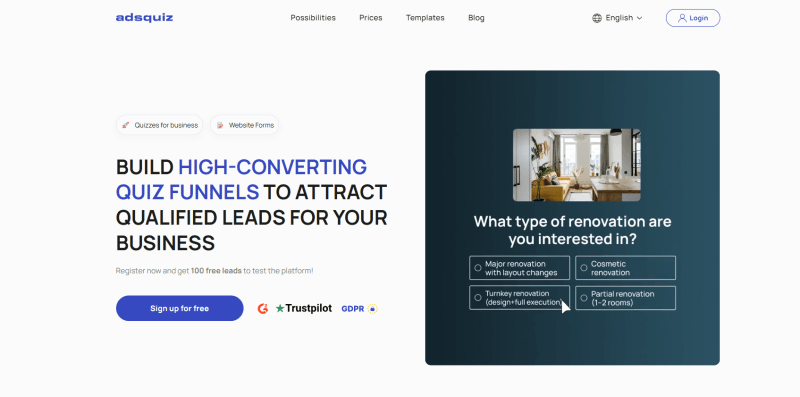
Key features:
- Variety of formats (text questions, image choices, sliders, emojis)
- Ready-made templates for different niches
- Integrations with CRM, messengers (Telegram), email services, and ad platforms
- Built-in CRM system
- Multiple publishing options (embedded on a site, pop-up, or floating form).
Pros:
- Traffic filtering tools (anti-spam, contact validation)
- Wide selection of ready-made questions and blocks
- Integrations and analytics capabilities
- Personalized recommendations or discounts based on user responses.
Pricing:
- Free plan (basic templates and features)
- Pro version ~$12.95/month
- Advanced plans for businesses and organizations.
Marquiz
Marquiz is a marketing-focused quiz builder designed to generate leads and improve conversion rates. It offers flexible surveys with payment options, A/B testing, and advanced analytics.
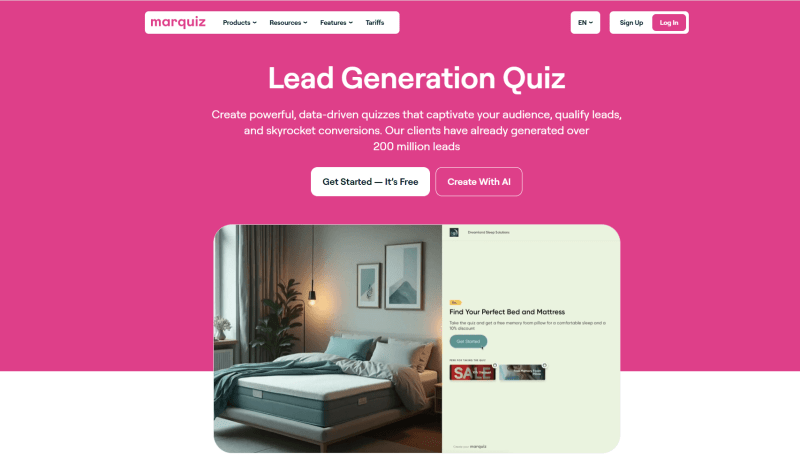
Key features:
- Ability to add payment modules directly in quizzes (sell products or services directly in results)
- Templates tailored to different goals and industries
- Mobile-responsive design
- White-label options (remove branding on paid plans), custom domain, CSV export
- Conversion analytics (funnels, drop-offs, response heatmaps).
Pros:
- Simple, no-code interface
- Strong capabilities for ad optimization (discounts, personalization)
- Flexible pricing plans.
Pricing:
- Free plan (up to 10 leads/month)
- Start $19/month (30 leads/month)
- Plus ~$39/month (with flexible lead limits).
Outgrow Quiz Maker
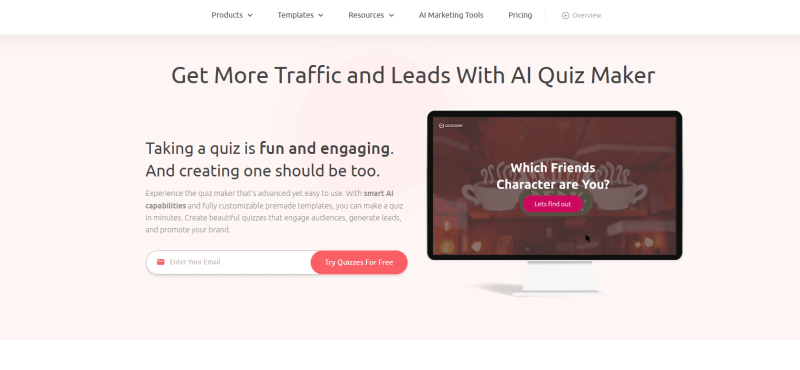
Outgrow is an interactive content platform that includes quizzes, calculators, surveys, and chatbots. It offers an extensive template library and advanced analytics for marketing and lead generation.
Key features:
- Design customization with branding and code support
- Multiple publishing options (full-page, embedded, pop-up, chatbot, exit-intent)
- Advanced analytics and segmentation (visual reports, heatmaps, detailed audience demographics)
- Built-in SEO and marketing tools with traffic and lead growth insights.
Pros:
- Powerful toolset, suitable for large marketing campaigns and agencies
- Conversion optimization tools (A/B testing, content personalization)
- Interactive content beyond quizzes, supporting various use cases.
Pricing:
- Freelancer $22/month
- Pro $45/month
- Essentials $115/month
- Business ~$449/month.
TryInteract (Interact Quiz Maker)
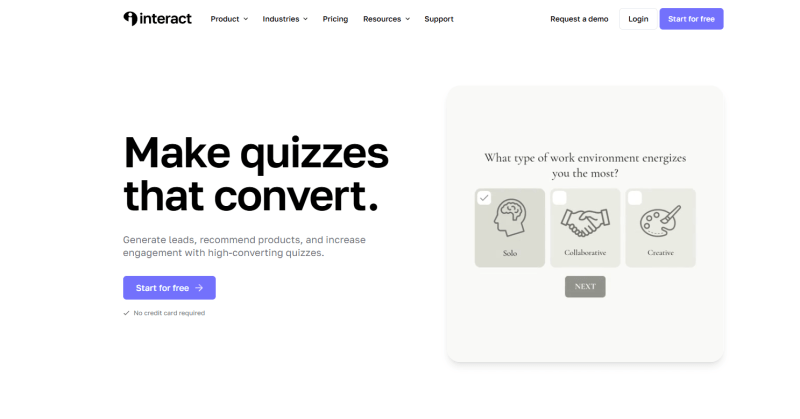
Interact (TryInteract) is a popular quiz builder designed for marketers, bloggers, and small business owners. It helps generate leads, segment audiences, and recommend products.
Key features:
- Extensive examples and guides (Quiz Gallery, high-converting quiz templates)
- Question branching and multiple outcomes based on scores
- Automatic lead integration with email marketing and CRM tools
- Multi-user accounts.
Pros:
- Simple interface
- Full set of tools for lead generation and management
- 14-day free trial.
Pricing:
- Lite from $27/month
- Growth $53/month
- Pro $125/month.
Slido Live Quizzes
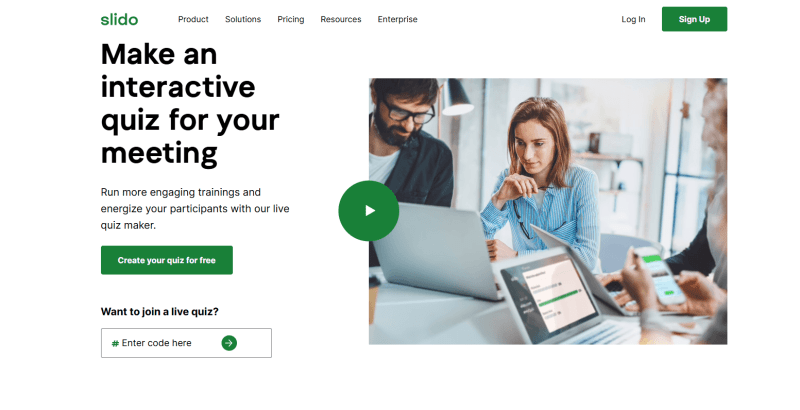
Slido is a powerful tool for engaging your audience in real time. With live quizzes and interactive polls, it can help turn presentations, webinars, and events into dynamic experiences.
Key features:
- Live quizzes, polls, and trivia with timers for interactive engagement
- Easy participation, just enter a code or scan a QR code
- Integrates with tools like PowerPoint, Google Slides, Webex, Zoom, and Microsoft Teams
- Free plan to get started.
Pros:
- Ideal for live audience engagement
- Quick setup with no complex configuration
- Seamless integration with presentation and communication tools.
Pricing:
- Free Basic plan
- Paid plans starting from ~€15/month (~$17-18) for Pro
- One-time licenses for specific events.
Bottom Line
There are many quiz-building tools on the market, and each one works a bit differently. That’s why there isn’t a single “best” option for everyone. The right choice depends on your goals and how you plan to use quizzes in your business.
To simplify your decision:
- Want to test ideas quickly? Go with simple builders and ready-made templates like Weblium.
- Building complex sales funnels? Look for platforms with advanced logic and marketing automation.
- Care about branding and user experience? Choose design-focused tools with strong UX.
- Planning to scale and work with traffic? Focus on integrations, analytics, and flexibility.
And remember: the best tool isn’t always the most expensive or feature-rich one. Often, the most effective solution is the one that’s easy to implement and fits seamlessly into your current workflow.